Local Components in the Beta Web Editor
The Beta Web Editor now supports importing local components, making it easier to try component definitions while developing them.
Use Add components in the toolbox, then choose Add local component to import a .cdcom
component file from your computer.
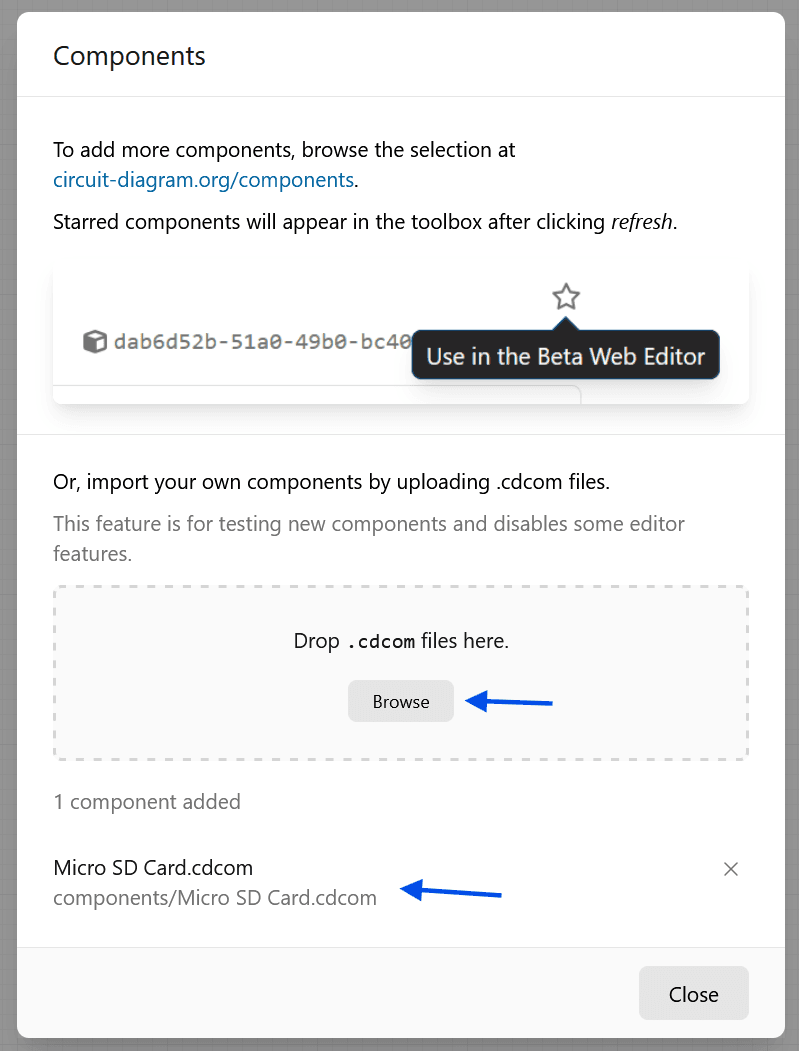
Local components are intended for component development and testing. Using local components disables certain editor functionality, including save and export for the circuit.
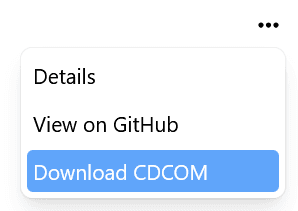
To try the feature, open the Extended Components Library in Component Explorer, select a component, and click Download CDCOM.
You can also compile XML components to CDCOM by following the Compile to CDCOM instructions.
Then visit the Beta Web Editor and import the downloaded .cdcom file as a local
component.