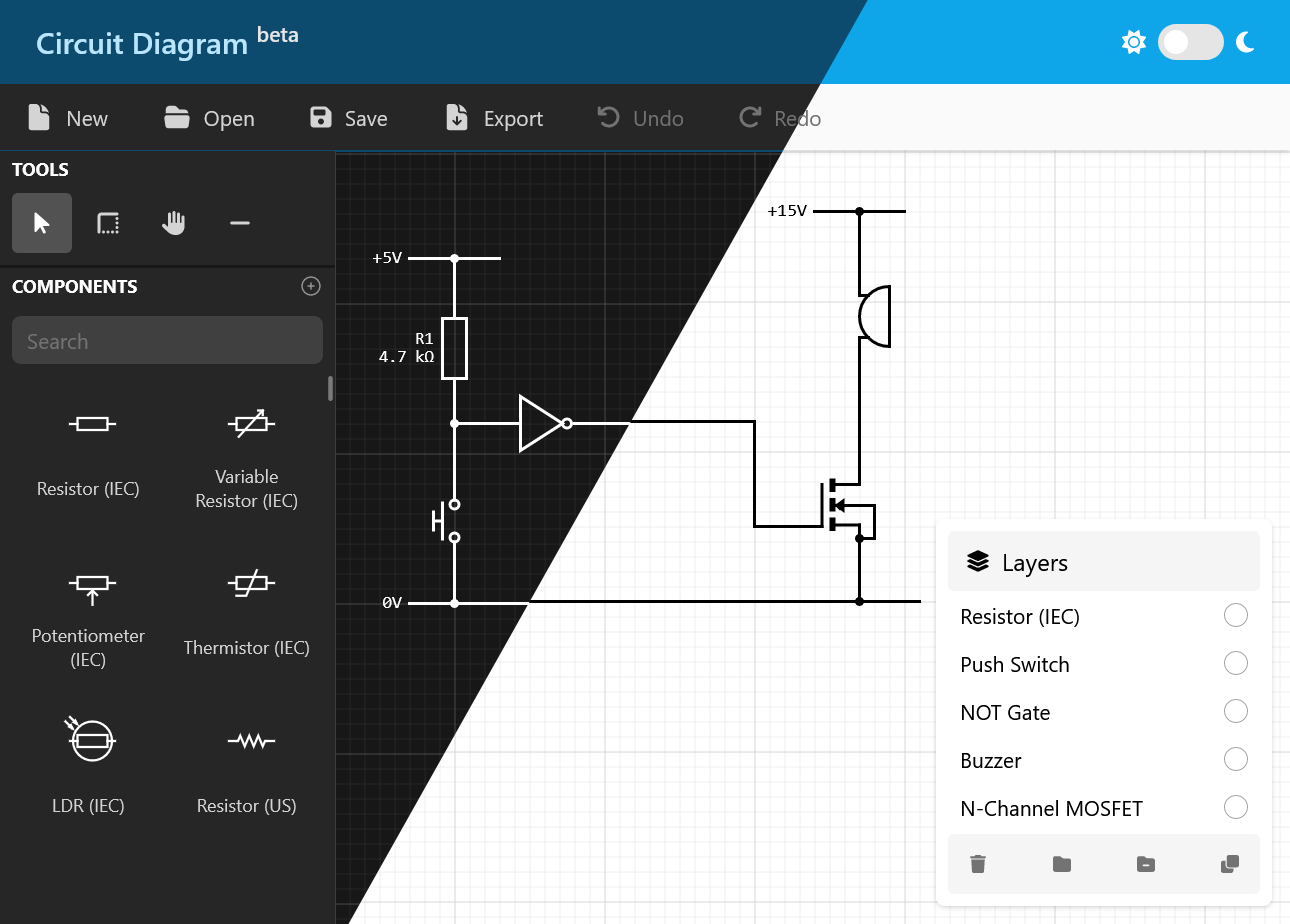
Simulate your circuits using the new simulation functionality in the web editor.
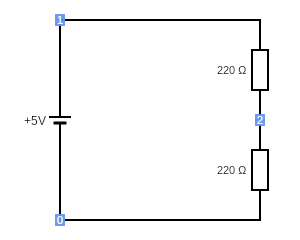
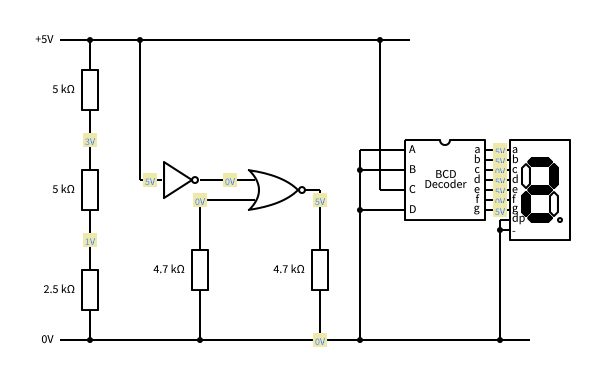
After clicking the simulate button, you will be presented with a snapshot of the simulated version
of your circuit. This displays the voltages at all of the connection points in your circuit, and
any components with dynamic behaviour will be rendered appropriately. For example, the Lamp will
be lit if there is a voltage difference across it, and the 7 Segment Display will illuminate to
show the input number.
Please be aware that this is a preview service and currently only supports a limited number of components.
You might also experience some circuits that cannot be simulated while we are still working on improving this
new feature.
Below is a copy of the simulation output from the Simulation Demo circuit: